Mobile Photography Tips for Better Social Posts
You do not need an expensive camera. Light, composition and a light touch with editing make the biggest difference.

Phone cameras have improved so much that most of the photos you see on social media were taken on one. The difference between a forgettable snap and a picture people stop for usually has little to do with the device. It comes down to light, composition and a few simple habits.
Clean the lens
It sounds obvious, but a phone lens picks up fingerprints all day. A smudge makes photos look hazy and spreads light around bright areas. Wipe it with a soft cloth before you shoot.
Find the light
Light is the single biggest factor in a good photo.
- Use natural light whenever you can. A window gives soft, flattering light for portraits, food and products.
- Golden hour, shortly after sunrise and before sunset, gives warm, low light and long shadows.
- Avoid harsh midday sun on faces, or move into open shade.
- Turn off the flash for most situations; it flattens faces and creates hard shadows.
Compose with care
Turn on the grid in your camera settings. It divides the screen into thirds and helps with a few classic techniques:
- Rule of thirds: place your subject on one of the lines or where they cross, rather than dead centre.
- Straight horizons: use the grid to keep lines level.
- Leading lines: roads, rails, shorelines and fences can guide the eye towards the subject.
- Fill the frame, or leave deliberate empty space. Both work; clutter rarely does.
- Change your angle. Crouch down, shoot from above or move closer. The first angle is rarely the best.
Hold it steady
Blur is most common in low light. Hold the phone with both hands, tuck your elbows in or lean against something. For night shots, use your phone's night mode and keep still until it finishes.
Tap to focus and adjust exposure
Tap the screen on your subject to set focus. On most phones you can then slide up or down to brighten or darken the image before taking it. Slightly darker is often better than too bright, because blown-out highlights cannot be recovered.
Avoid digital zoom
Pinching to zoom usually just crops the image and loses detail. Move closer instead, or use your phone's dedicated telephoto lens if it has one.
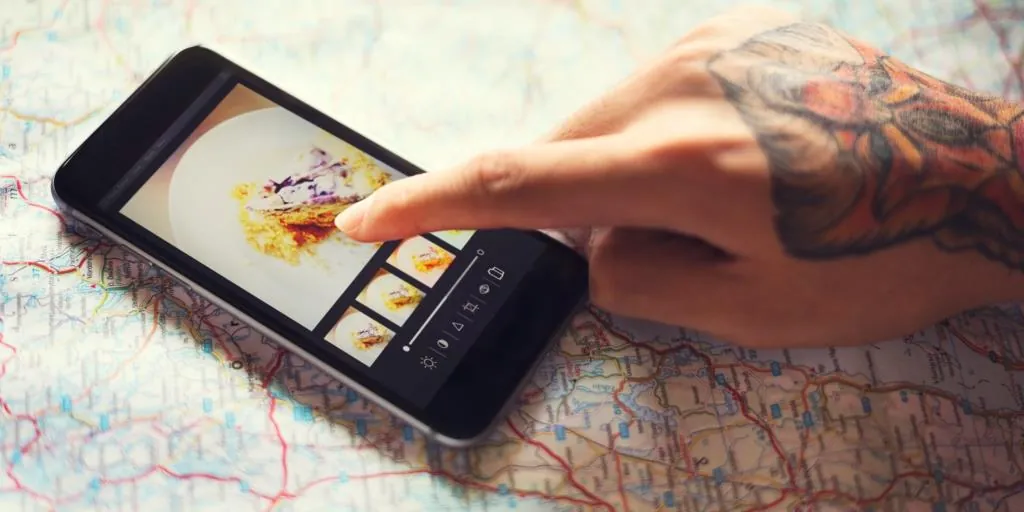
Edit with restraint
A little editing helps most photos; too much makes them look artificial. A simple routine:
- Crop and straighten.
- Adjust exposure and contrast.
- Correct the white balance so whites look white.
- Add a touch of sharpness and saturation if needed.
Our earlier article on Instagram photo editing covers sizes and editing in more detail.
Shoot more than you need
Take several versions of the same scene with small changes in angle and timing, then pick the best one. Professional photographers do this all the time.
Tell a story
The most memorable photos show something: a moment, a feeling, a detail people would otherwise miss. That idea sat at the heart of the early photo-sharing community captured in the documentary Instagram Is, and it is still what makes a photo worth sharing.