Do You Need Your Instagram Photos Editing?
The basics of editing photos for Instagram: Highlights covers, the right sizes and a simple editing routine.
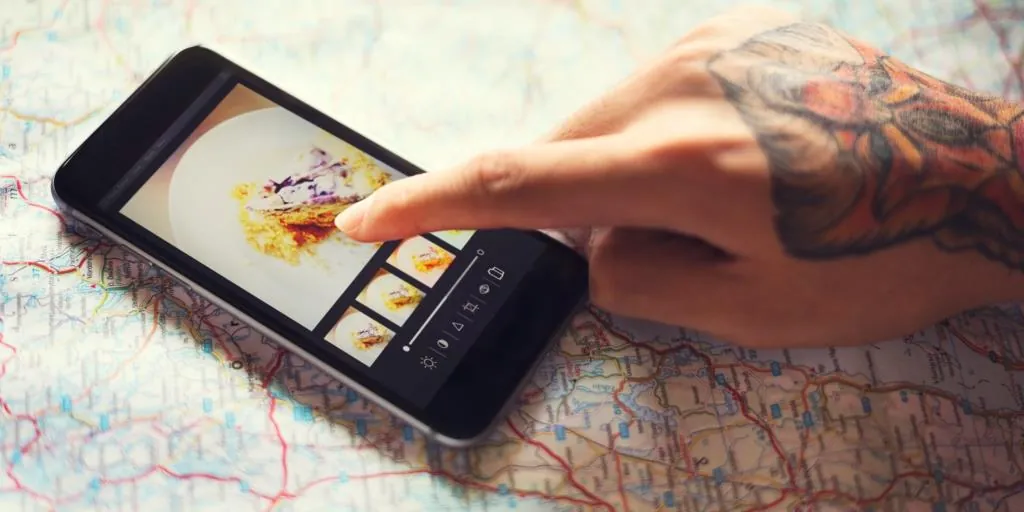
With so many people now making a living from their social media accounts and content, editing photos for Instagram has become a major topic of conversation, and basic editing skills are in demand. Not everyone can pay a marketing or PR firm to edit and manage their posts, so let's go through the basics of making your account look its best.
Instagram photo editing and Story Highlights
Even if you cannot be bothered editing every photo, it is worth taking care with your Story Highlights. As Stories have grown in popularity, your Highlights have become part of your first impression. If you are a business or a brand, this is where your colours and brand identity play a big role. Consistency is key when it comes to your look and feel. You may be limited in colour scheme and font, but do not be afraid to experiment with different covers and Instagram icons to see what gets the most engagement.
Instagram sizing cheat sheet
Few things are more annoying than trying to remember the dimensions for every social media platform. So here are the basics for one of them. Profile pictures are displayed small, at around 110 x 110 pixels, so upload a square image of at least 320 x 320 pixels and keep the subject in the centre. Portrait feed posts work well at 1080 x 1350 pixels, and Stories and Reels use 1080 x 1920 pixels. For more detail, see this guide to Instagram photo dimensions. If pixels still sound like Peter Pan's fairy companion, use an app such as Photoshop or Canva, where you can pick a preset size without needing to understand what a pixel is.
Tricks of the trade
When it comes to editing photos for Instagram, a few simple rules of thumb go a long way:
- Start with a good-quality image in decent light.
- Use the crop tool to straighten the horizon and fix your composition.
- Adjust the exposure so the subject is clear.
- Correct the white balance so colours look natural.
- Adjust the sharpness gently.
- Finish with small changes to vibrancy and saturation.
Do not let doubt stop you
It can be daunting to try something new, especially in public. But the more you practise your editing skills, the more you will boost self-confidence and want to try new things. A few ways to build confidence: ask someone more experienced for advice and feedback, and compare your work with similar photos you admire to spot what you could improve.
Is editing really necessary?
As much as we value authenticity, first impressions count. That does not mean every photo needs heavy filters; often the best edits are the ones nobody notices. A quick crop, a little more light and natural colours will make most photos stand out more than an off-centre bathroom mirror selfie ever will.